Vastu Software Features for a Complete Consultation

Every module of CA Vastu Software on one page — from drawing the plan to sending a branded report. Jump to any module below, or see which plan includes it.

  • 10 modules
  • 8–64 zone analysis
  • 45 Devta database
  • About 45 min per report
Vastu Floor Plan Software — Draw or Import Any Layout in Vastu Software
Module 01

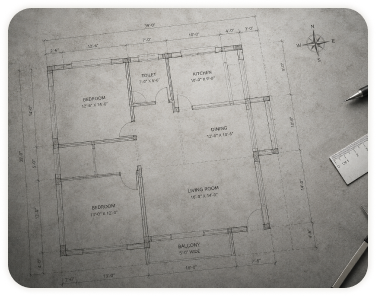
1. Vastu Floor Plan Software — Draw or Import Any Layout

Draw rooms, walls, doors and windows to scale with no CAD skills, or upload a JPG/PNG plan and trace over it. Changes take seconds, so you never wait on a draftsman.

  • Snap-to-grid walls and room labels
  • Import image plans and set the scale
  • Mark entrances, staircases, toilets and kitchen
  • Duplicate a plan to test remedies side by side

In plans: BasicPro

See it in the sample report
8, 16, 32 & 64 Zone Vastu Analysis with Automatic Brahma Bindu in Vastu Software
Module 02

2. 8, 16, 32 & 64 Zone Vastu Analysis with Automatic Brahma Bindu

Set north once and the software finds the Brahma Bindu (centre), then overlays the zone grid you choose. Every room is listed by zone with its effect.

  • Automatic Brahma Bindu for regular and irregular plots
  • 8, 16, 32 and 64 zones, including 32 entrances
  • Zone-strength bar chart and missing/extended corners
  • Panch Tatva, Tridosha and Triguna balance views (both plans)

In plans: Basic (up to 32)Pro (all 64)

See it in the sample report
45 Devta Mapping on the Vastu Purusha Mandala in Vastu Software
Module 03

3. 45 Devta Mapping on the Vastu Purusha Mandala

Place the mandala on your plan and see which room sits on which of the 45 Devtas. Each Devta shows its nature, ideal use and remedy.

  • 45 Devtas with descriptions and suitable activities
  • Conflicts highlighted (e.g. toilet on a Devta of wealth)
  • Mantras and remedies attached to each Devta

In plans: BasicPro

See it in the sample report
Mahavastu & Vedic Shakti Chakra in Vastu Software
Module 04

4. Mahavastu & Vedic Shakti Chakra

Overlay the Shakti Chakra from the Brahma Bindu to read the 16 or 32 directions precisely and position entrances and objects.

  • Mahavastu and Vedic chakra options
  • Rotatable to the true north reading

In plans: BasicPro

See it in the sample report
64 & 81 Pada Vinyas Grid in Vastu Software
Module 05

5. 64 & 81 Pada Vinyas Grid

Switch between Manduka (64) and Paramasayika (81) pada layouts for temples, homes and plots.

  • Pada grid over any plan shape
  • Brahmasthan area marked for open-centre checks

In plans: BasicPro

See it in the sample report
Astro Vastu Software — Link the Kundli to the Home in Vastu Software
Module 06

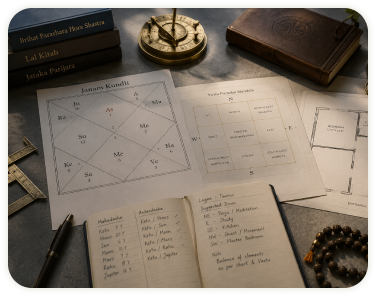
6. Astro Vastu Software — Link the Kundli to the Home

Enter birth details to bring in the D1 chart and current Mahadasha. The software connects each planet to its zone, so you can see which part of the house matters most now.

  • Planet-to-zone mapping and strength
  • Mahadasha and Antardasha highlights
  • Remedies that fit both chart and space
Medical Vastu Analysis (Tridosha & Body Zones) in Vastu Software
Module 07

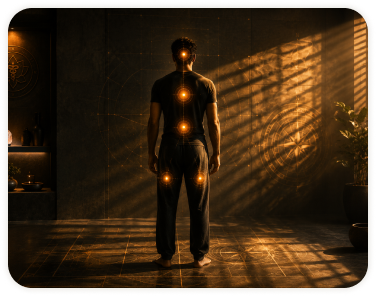
7. Medical Vastu Analysis (Tridosha & Body Zones)

See the zones traditionally associated with body systems and wellbeing, and flag placements to discuss with the client. The Tridosha & Triguna balance view is in both plans; the full body-zone analysis is in Pro. Presented as traditional guidance, not medical advice.

  • Body-zone overlay
  • Zone notes for bedrooms of elderly or unwell family members
Google Earth Site Verification for Remote Consultations in Vastu Software
Module 08

8. Google Earth Site Verification for Remote Consultations

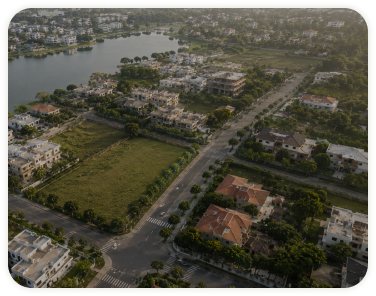
Open the property on satellite imagery to confirm plot shape, road positions, slopes and neighbouring structures — useful for remote consultations.

  • Align the plan with the real plot
  • Check surroundings: roads, water bodies, tall buildings
Vastu Remedy & Mantra Library in Vastu Software
Module 09

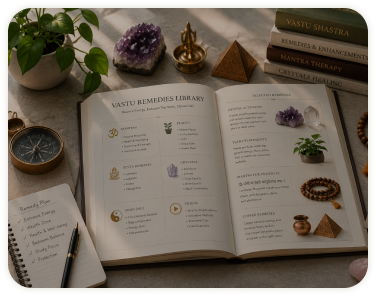
9. Vastu Remedy & Mantra Library

Every dosha links to remedies — colours, metals, plants, yantras, placement changes and mantras — so you never search mid-consultation.

  • One-click add to report
  • Your own custom remedies saved for reuse (Pro)

In plans: BasicPro

See it in the sample report
Branded, Editable Vastu Reports in Word & PDF in Vastu Software
Module 10

10. Branded, Editable Vastu Reports in Word & PDF

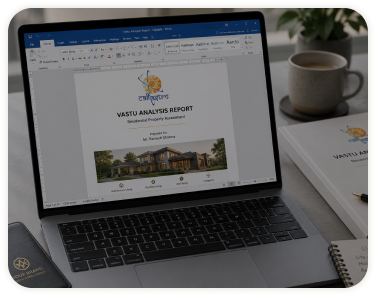
Generate the full report in one click and export to Word or PDF. Add your logo, colours, signature and notes before sending.

  • Gridded maps, bar charts, dosha list, remedies, colour chart
  • Your logo, colours, signature and notes
  • Project management to track every client

In plans: Basic (standard PDF)Pro (branded Word + PDF)

See it in the sample report

Also inside CA Vastu Software

  • Numero Vastu
  • Nakshatra Vastu
  • Knowledge Centre
  • Factory, shop & academic Vastu (Pro)
  • Five-Element Feng Shui (Pro)
Which plan

Features by Plan

The 3-day trial unlocks every Pro feature without restrictions, so you can try every module before you choose.

Vastu Software modules included in each plan
ModuleBasicPro
Floor plan draw / import Unlimited Unlimited
Zones 8–32 8–64
45 Devtas Yes Yes
Shakti Chakra Yes Yes
64 / 81 Pada Yes Yes
Astro-Vastu — Yes
Tridosha & Triguna balance Yes Yes
Medical Vastu (body zones) — Yes
Google Earth — Yes
Remedy library Yes Yes + custom
Reports Standard PDF Branded Word + PDF
Plans

Choose Your Vastu Software Plan

Every price is shown + 18% GST, with the total under it. Instant access on Windows and Mac.

3-Day Trial

₹199 + GST

Total ₹234.82 incl. 18% GST

Get all Pro plan features for 3 days without restrictions.

  • All Pro plan features for 3 days
  • No restrictions during the trial
  • Instant access on Windows & Mac
Start 3-day trial

Basic – 1 Year

₹6,999 + GST

Total ₹8,258.82 incl. 18% GST

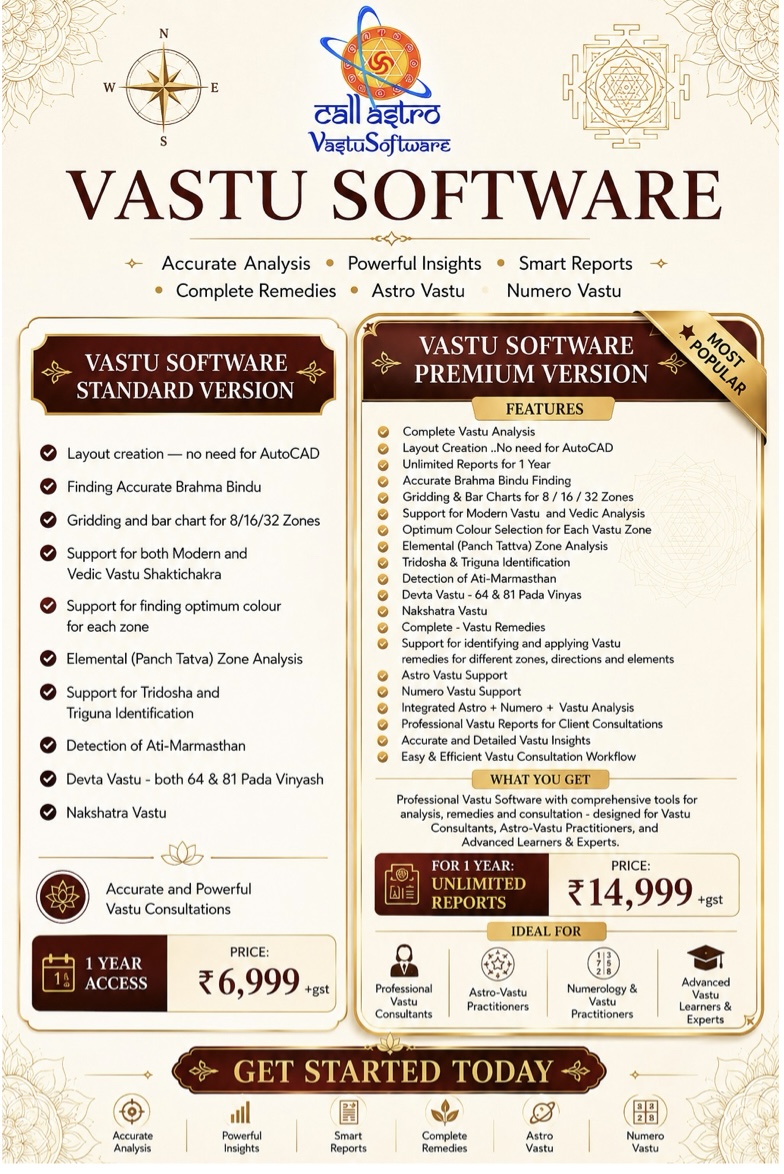
1 year plan for Basic Vastu Software provides quick identification of Brahma Bindu, placement of Mahavastu-ShaktiChakra, 16/32 zone analysis and their Bar-chart.

  • Layout Creation
  • Brahma Bindu Detection
  • 8/16/32 Zone Analysis
  • Mahavastu & Vedic Shakti Chakra
  • Panch Tatva Analysis
  • Tridosha & Triguna
  • 64 & 81 Pada Vinyas
  • Nakshatra Vastu
Choose plan
Most popular

Pro – 1 Year

₹14,999 + GST

Total ₹17,698.82 incl. 18% GST

Comprehensive tool for Vastu analysis and recommendations.

  • Everything in Basic, plus:
  • 64-zone analysis
  • Astro-Vastu (D1 chart & Mahadasha)
  • Medical Vastu
  • Google Earth site check
  • Branded, editable Word reports
  • Your own custom remedies
  • Factory Vastu
  • Academic Vastu
  • Grocery Store Vastu
  • Directional Domestic
  • Directional Vastu
  • Five Elements Feng Shui
  • Gender Vastu
  • Layout Compass
Choose plan
  • Instant access after purchase
  • Windows & Mac
  • 3-day trial available
FAQ

Vastu Software Features — FAQs

Can I try every feature before buying?

Yes. The 3-day trial (₹199 + GST) unlocks every Pro feature without restrictions.

Which zone system should I use?

16 zones for most homes; 32 or 64 zones for detailed professional work.

Does it handle irregular plots?

Yes. The Brahma Bindu is calculated for any plot shape, regular or irregular.

Can I edit the mandala or grid manually?

Yes. You can rotate and adjust any overlay.

Do features update during my plan?

Yes. All updates are included during your plan period.

Does it work on Windows and Mac?

Yes. CA Vastu Software is desktop software for both Windows and Mac.

What does the Basic plan include for Medical Vastu?

Basic includes the Tridosha & Triguna balance view of the zones. The full Medical Vastu body-zone analysis is in Pro.

See every module on your own plans

Start with the 3-day trial, or watch the demo videos and sample report first.